

Unreal Engine 5 Blueprints for Beginners
Unreal Engine 5 Blueprints provide a visual scripting system that allows beginners to create complex game logic without writing traditional code. By connecting nodes that represent actions, conditions, and events, developers can build gameplay systems faster while maintaining production-level scalability. This guide explains how Blueprints work, why they matter, and how beginners can use them effectively.
Table of Contents
- What Are Unreal Engine 5 Blueprints
- Why Blueprints Matter for Beginners
- Core Components of Blueprints
- Creating Your First Blueprint
- Common Blueprint Use Cases
- Blueprint Best Practices
- Recommended Learning Path
- Top 5 Frequently Asked Questions
- Final Thoughts
- Resources
What Are Unreal Engine 5 Blueprints
Blueprints are Unreal Engine’s node-based visual scripting language. Each node represents a function, variable, or event, and connections define execution flow. Unlike traditional programming, Blueprints allow beginners to focus on logic and behavior instead of syntax.
Epic Games designed Blueprints to be production-ready. According to Epic’s internal benchmarks, Blueprint-based systems can perform within 10–15 percent of equivalent C++ code, making them viable even for large-scale games.
Why Blueprints Matter for Beginners
Blueprints reduce the learning curve for game development. Beginners can prototype mechanics in minutes instead of days. The visual feedback accelerates understanding and encourages experimentation.
From an innovation management perspective, Blueprints enable rapid iteration. Teams can test ideas quickly, discard failures early, and reduce development risk. This aligns with lean development principles used across modern technology organizations.
Core Components of Blueprints
Blueprints consist of several foundational elements.
Events trigger logic, such as player input or collisions. Variables store data like health, score, or position. Functions group reusable logic. Macros simplify repeated execution flows.
Execution pins control order, while data pins pass values. Understanding this separation between execution flow and data flow is critical for beginners.
Creating Your First Blueprint
Creating a Blueprint begins by selecting a Blueprint Class. Common beginner choices include Actor, Character, or Pawn.
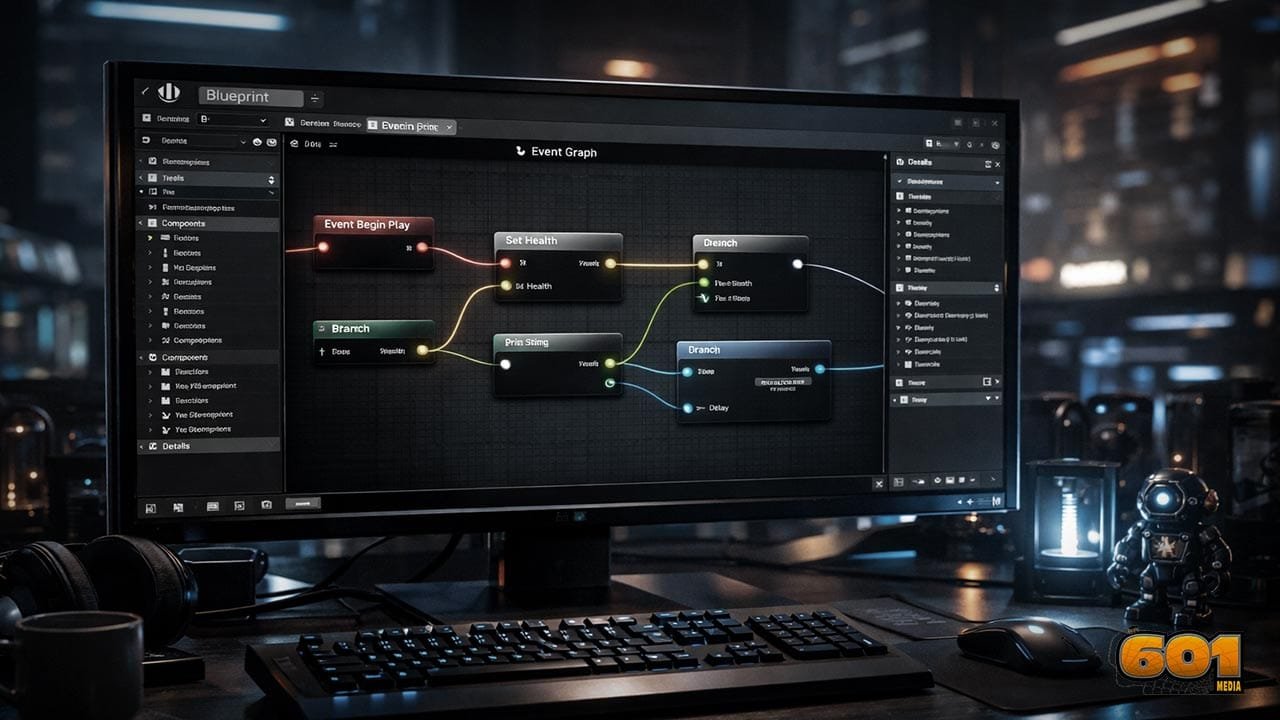
Once created, logic is added in the Event Graph. For example, connecting an Event Begin Play node to a Print String node allows beginners to see immediate results when the game starts. This instant feedback reinforces learning and builds confidence.
Common Blueprint Use Cases
Blueprints are used for player movement, camera control, UI logic, enemy AI, animations, and interactions. Many AAA studios use Blueprints alongside C++ to allow designers and artists to work independently from programmers.
In Unreal Engine 5, Blueprints integrate seamlessly with systems like Nanite and Lumen, enabling beginners to create visually advanced projects without deep engine-level knowledge.
Blueprint Best Practices
Beginners should focus on clarity and structure. Naming variables clearly, commenting logic blocks, and avoiding overly complex graphs improves maintainability.
Performance optimization matters. Heavy logic should be moved out of Tick events and triggered only when necessary. Epic Games recommends profiling Blueprints early using built-in debugging tools to prevent scalability issues later.
Recommended Learning Path
Beginners should start with simple interaction systems, then progress to character movement and basic AI. Once comfortable, combining Blueprints with basic C++ knowledge unlocks deeper engine customization.
Structured learning improves retention. Following a project-based approach leads to better long-term mastery than isolated tutorials.
Top 5 Frequently Asked Questions
Final Thoughts
Unreal Engine 5 Blueprints lower the barrier to entry for game development while maintaining professional-grade capabilities. For beginners, they offer a clear path from idea to execution without overwhelming complexity. From an innovation and technology management standpoint, Blueprints enable faster experimentation, reduced risk, and collaborative workflows. Mastering them is not just about learning a tool but adopting a modern, iterative development mindset.
Resources
- Epic Games Documentation
- Unreal Engine Learning Portal
- Epic Games Developer Community

I am a huge enthusiast for Computers, AI, SEO-SEM, VFX, and Digital Audio-Graphics-Video. I’m a digital entrepreneur since 1992. Articles include AI assisted research. Always Keep Learning! Notice: All content is published for educational and entertainment purposes only. NOT LIFE, HEALTH, SURVIVAL, FINANCIAL, BUSINESS, LEGAL OR ANY OTHER ADVICE. Learn more about Mark Mayo